Classic PC Guide: Red Alert 2
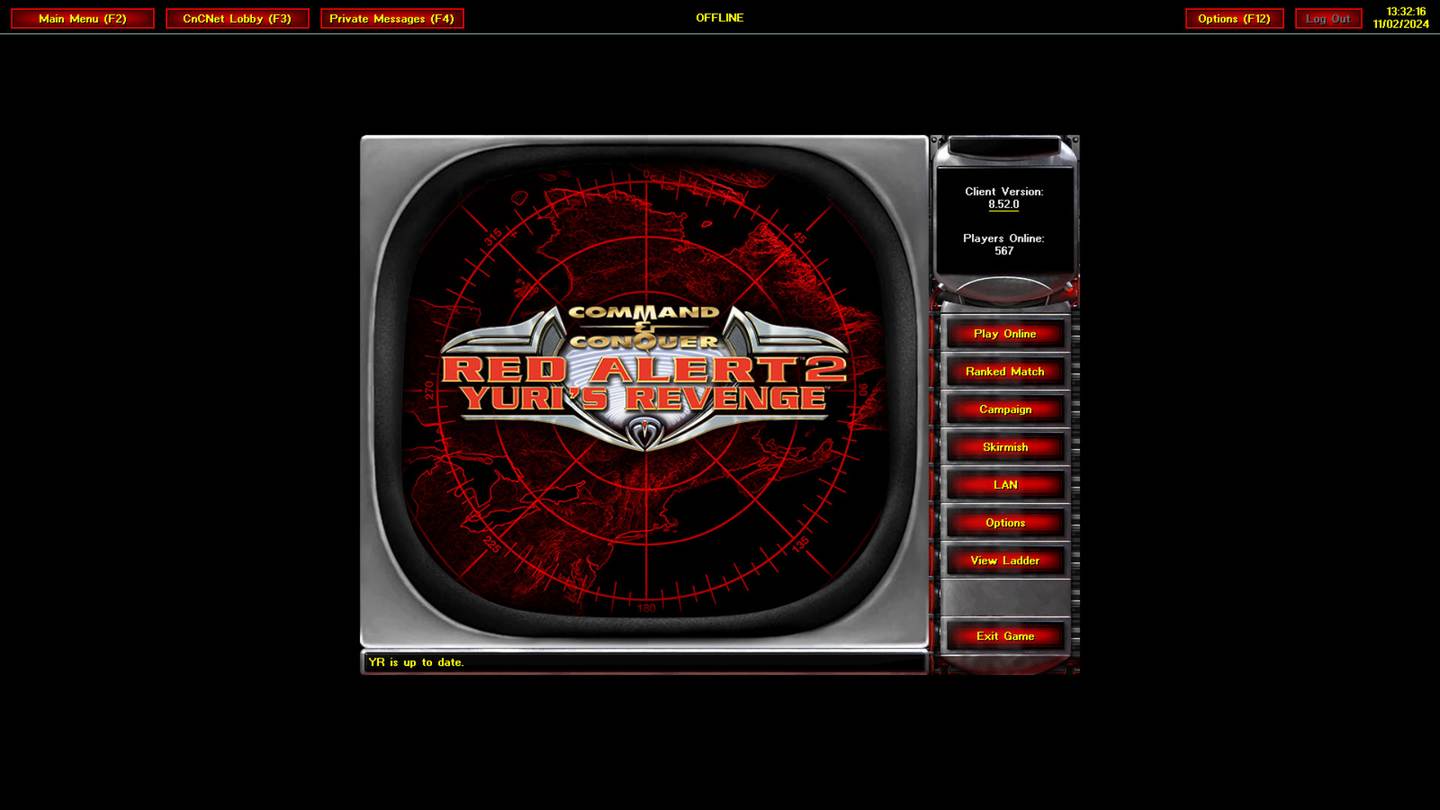
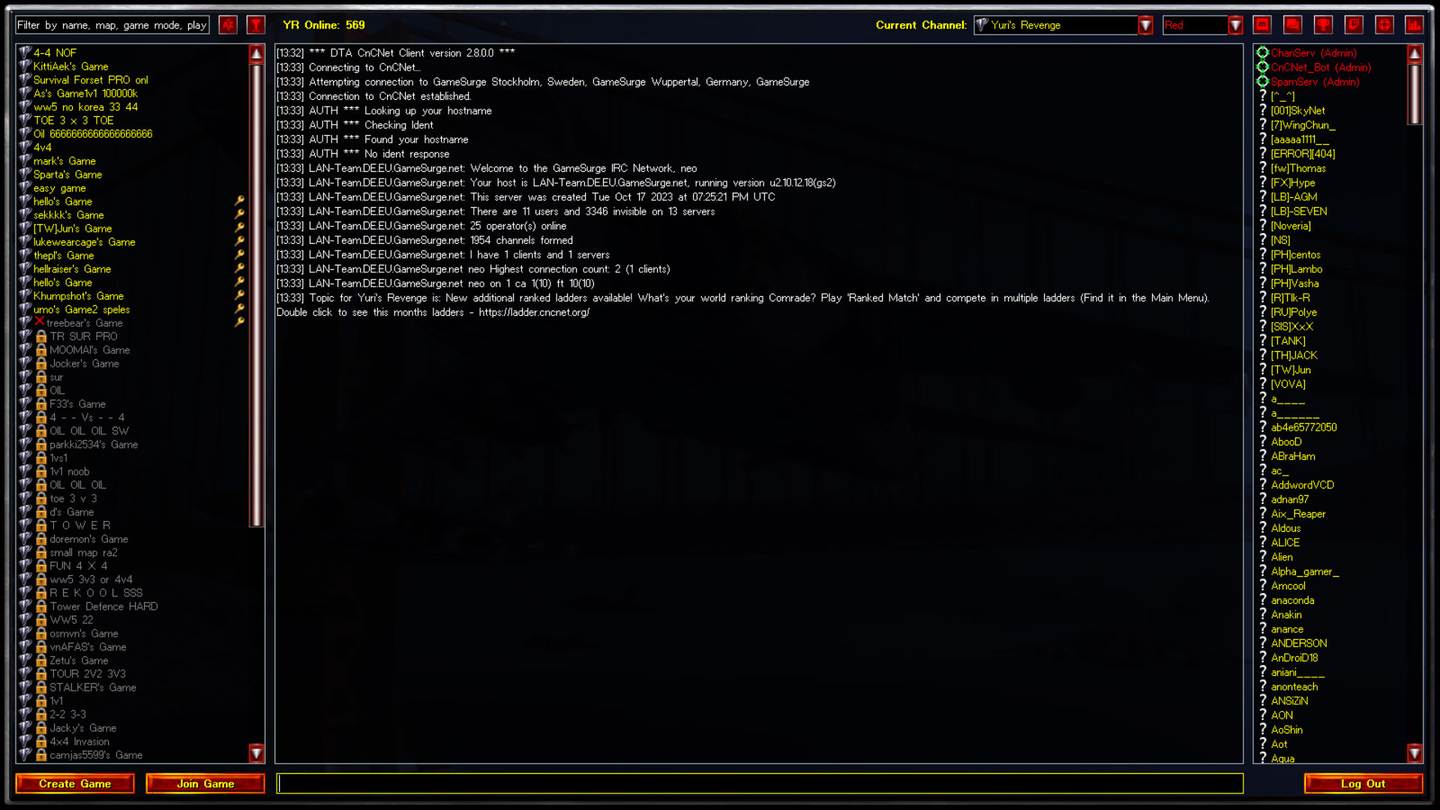
A legitimate installation is needed for the paid game. For multiplayer, follow a current CnCNet client guide; a multiplayer patch is not a free copy of Red Alert 2.
About Red Alert 2
Red Alert 2 pairs fast base building with asymmetric Allied and Soviet armies, superweapons, and memorable story missions. This page focuses on PC compatibility, installing from a trusted source, and finding the right community services rather than hosting game executables.
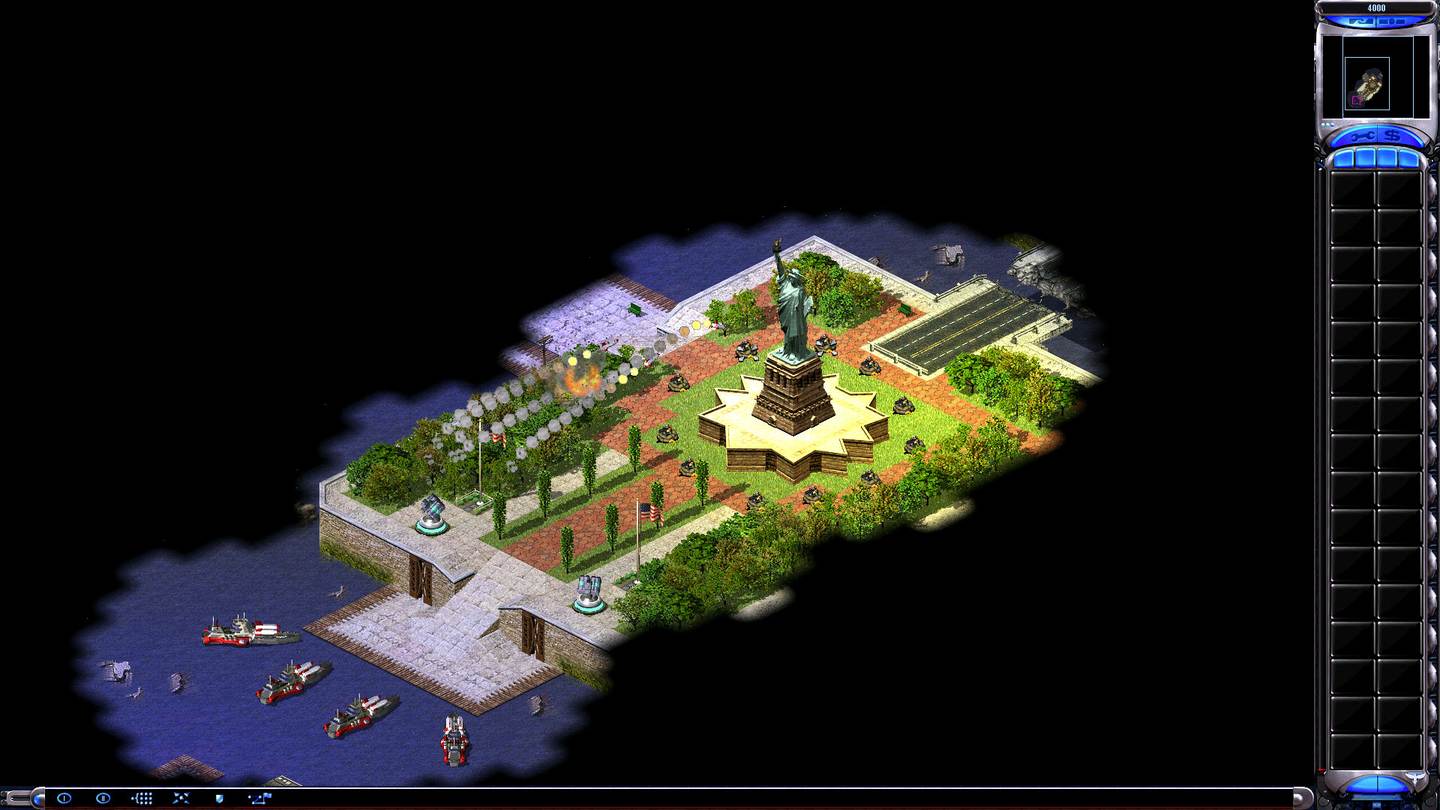
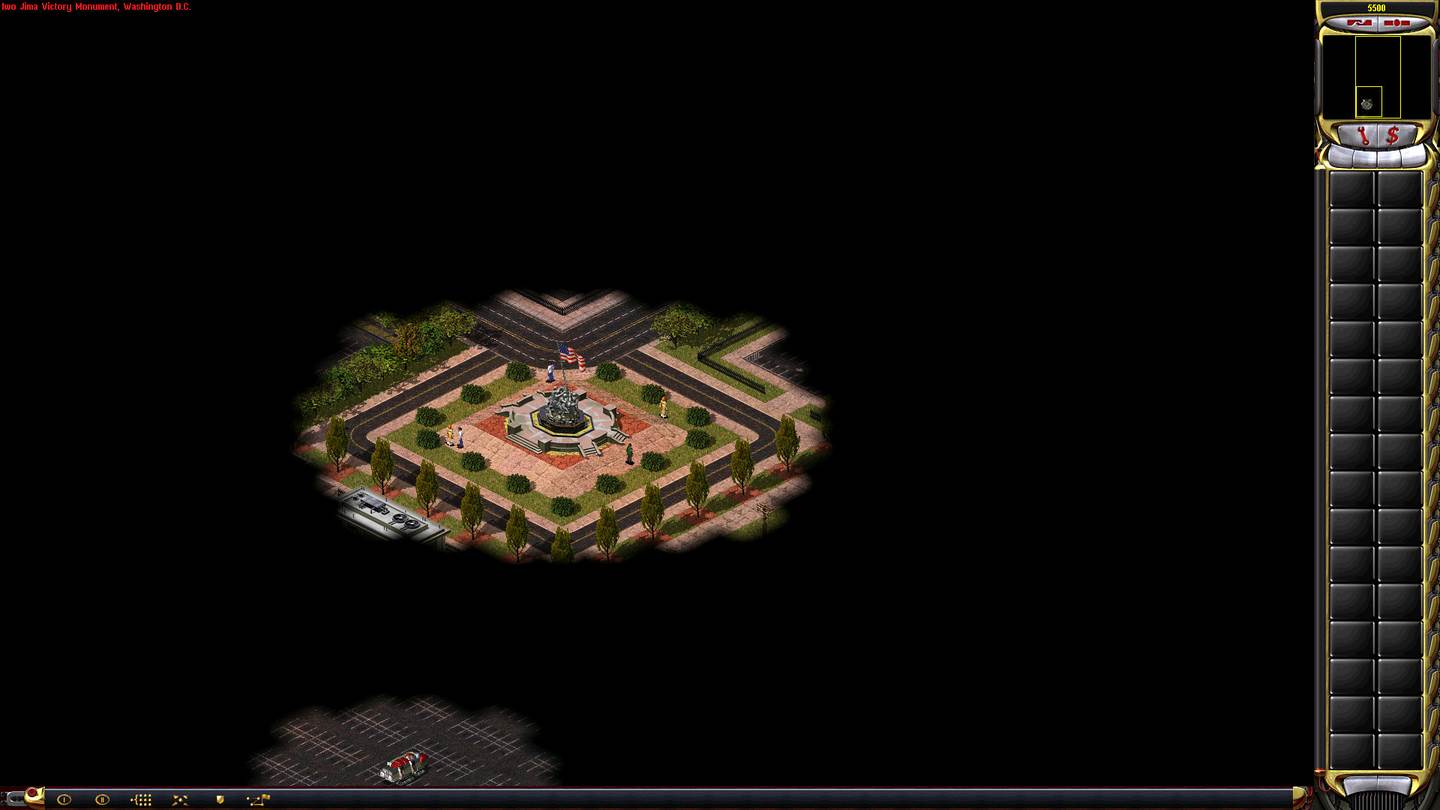
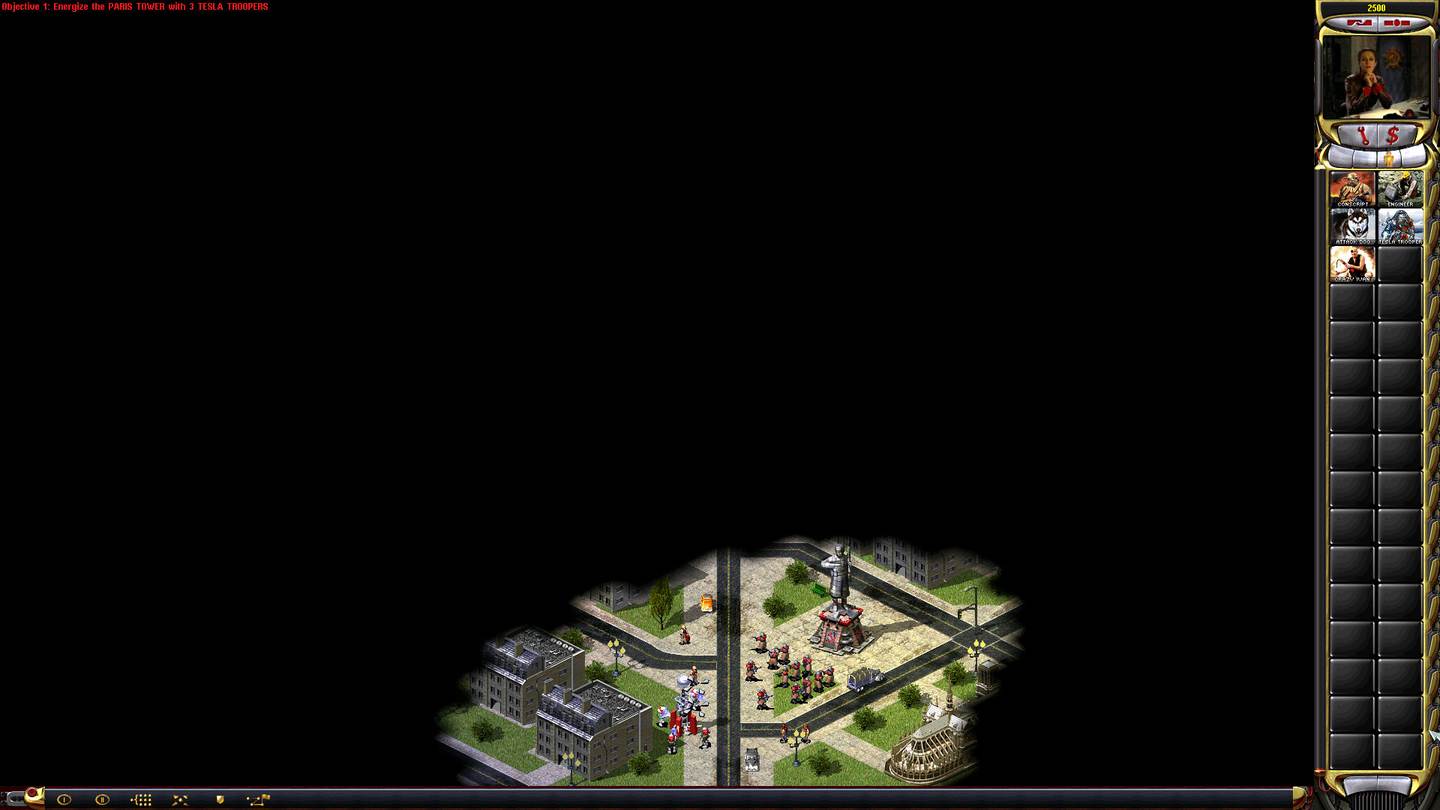
Red Alert 2 Gallery
To see the full Red Alert 2 Gallery, including behind the scenes shots, boxart, composites, concepts and more, check out the CNC-COMM website. View full gallery
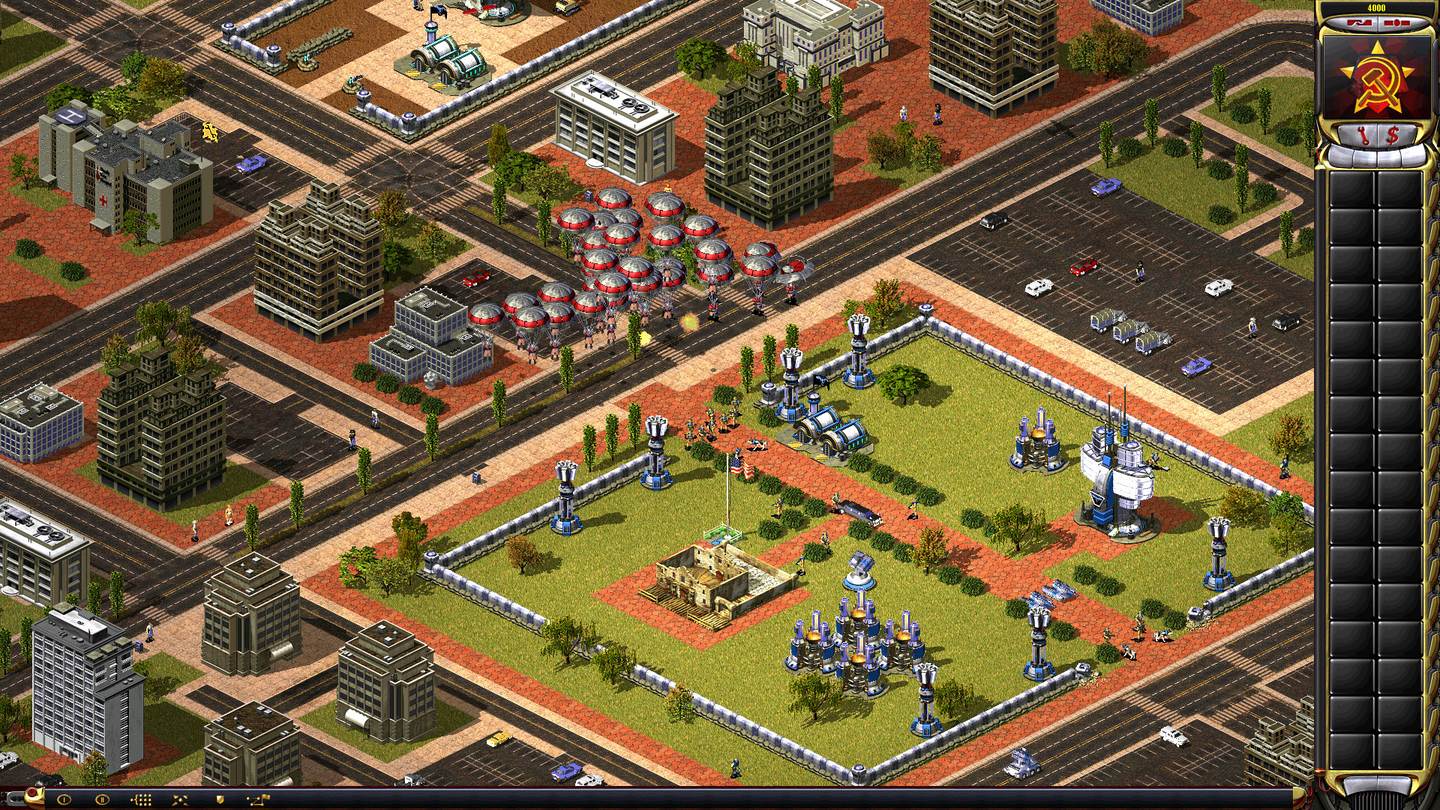
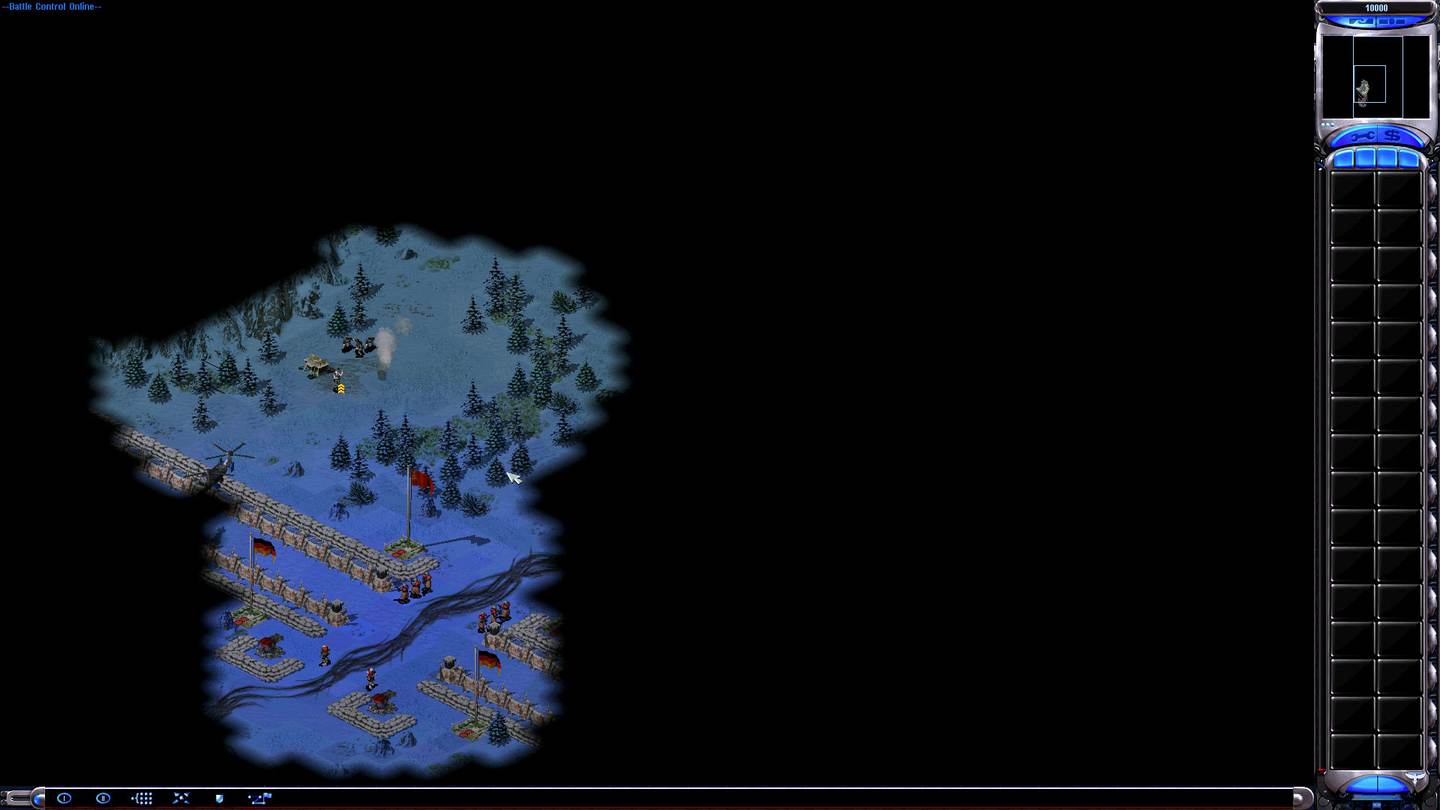
Command & Conquer: Red Alert 2: the quick answer
Red Alert 2 pairs fast base building with asymmetric Allied and Soviet armies, superweapons, and memorable story missions. A legitimate installation is needed for the paid game. For multiplayer, follow a current CnCNet client guide; a multiplayer patch is not a free copy of Red Alert 2.
Which installation or edition do you need?
Before downloading anything, confirm whether you have a freeware classic, a purchased base game, or a fan-made modification. A multiplayer client is not necessarily a full copy of the original title. Check the corresponding CnCNet project page for the latest client and requirements.
What to check on Windows 11
For Command & Conquer: Red Alert 2, check resolution, renderer compatibility, input scaling, and whether the game opens offline. Once local play works, install the supported online launcher if you want multiplayer. Keep a backup of configuration before trying custom maps or mod packs.
Gameplay focus: Renderer selection, client compatibility and owned game files
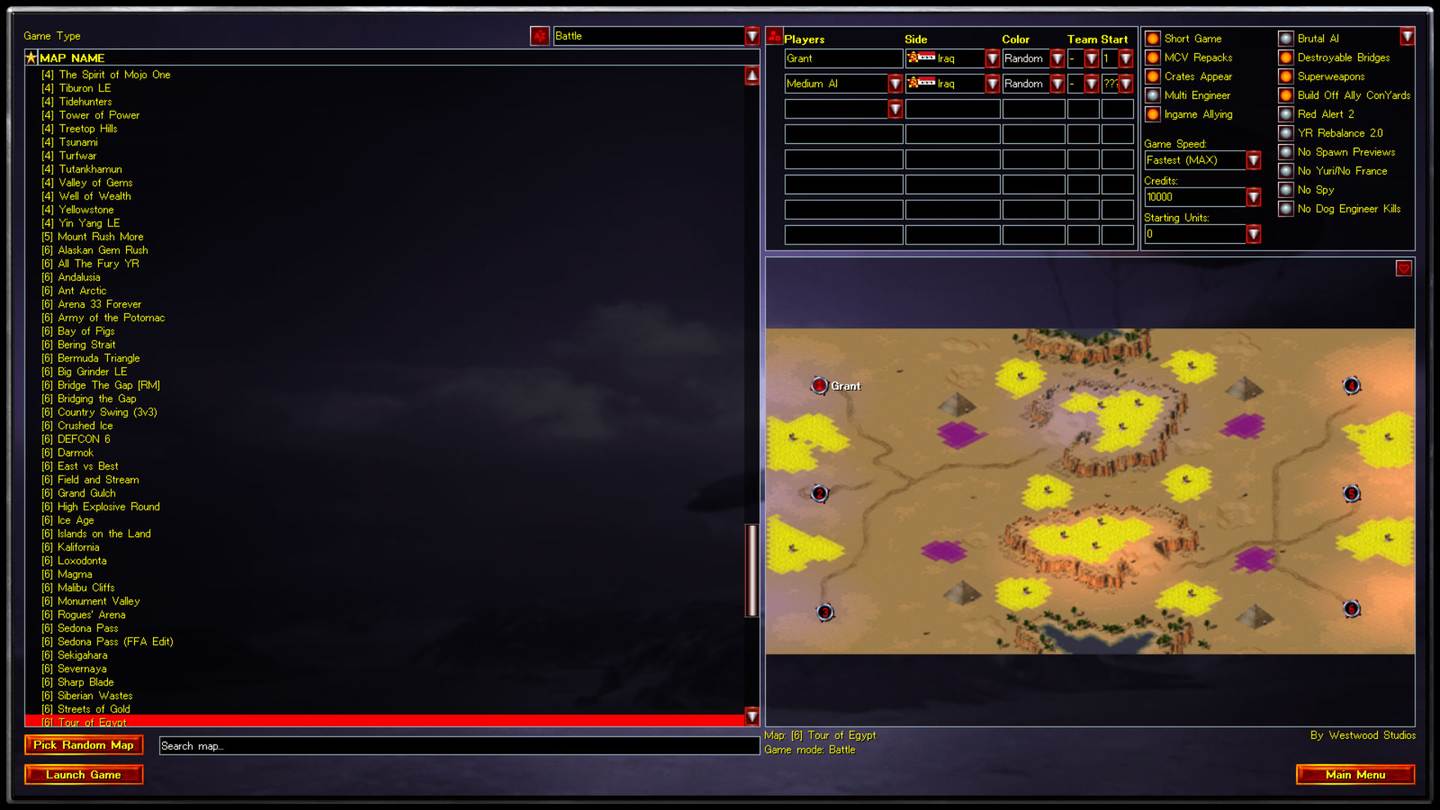
In early matches, prioritize scouting, steady income, and a smaller set of practical counters rather than memorizing every unit. The right opening depends on map resources and whether you are playing a standard or modified ruleset.
Related Windows guides
Independent third-party information: Command & Conquer is an Electronic Arts franchise; community clients and mods are maintained by their respective teams.
Red Alert 2 and Yuri’s Revenge editions
Red Alert 2 is frequently searched as C&C RA2, C&C Red Alert 2 and Command & Conquer Red Alert 2. Yuri’s Revenge is its expansion rather than a renamed edition. Confirm whether the game starts in base Red Alert 2 or the expansion before choosing community patches, maps or multiplayer settings.